LootCash H5 is a browser-based reward portal (0 MB, no APK download required) built for iPhone users and Android phones with full storage. By tapping directly into the web portal from Chrome or Safari, Indian users can access tasks with ₹0 deposit, avoid granting local Android system permissions, and withdraw rewards via ₹10 / ₹50 UPI payouts.

Feature | Verified Platform Details |
|---|---|
Access Format & Storage | Mobile Web (H5) — 0 MB local install required |
Supported Devices & Browsers | Android (Chrome) & iPhone / iOS (Safari) |
Deposit & Installation | ₹0 Deposit / No APK or App Store download needed |
Minimum UPI Payout | ₹10 initial / ₹50 standard UPI withdrawal |
Local Device Permissions | None beyond standard browser session cookies |
Best Suited For | iPhone users, full-storage phones, and privacy-conscious users |
Almost every Android reward app on the market locks out iOS users and frustrates owners of 32GB phones constantly seeing “Storage Almost Full” warnings. LootCash H5 removes both barriers:
Because iPhones cannot install Android APK packages, LootCash H5 gives iOS users an immediate web-based way to explore reward tasks in Safari.
Nothing is downloaded to your phone's internal memory. Even if you only have a few megabytes free, the portal opens smoothly inside your existing browser.
ou never have to enable "Install Unknown Apps" in Android security settings or trust third-party installer files.
Like Task Joy, LootCash H5 pairs its accessible format with a lower ₹50 standard UPI threshold (plus ₹10 entry verification), making cashouts realistic without heavy grinding.
Instead of running as a standalone app, LootCash H5 operates inside your mobile browser tab. Understanding how web sessions track your activity helps avoid lost rewards:

Launch the official LootCash H5 URL in a standard (non-incognito) browser tab so your login state and reward session stay active.

In Chrome or Safari, tap "Add to Home Screen" to create an app-like icon for instant access—while still using 0 MB of APK storage.

Browser-based H5 portals rely on active cookies and tab sessions to confirm task completion. Clearing browser history or using Private/Incognito mode mid-task resets your tracking link.
If you want to learn more about how browser platforms work compared to installed apps, read our guide on online money earning websites without investment.
One overlooked benefit of using a mobile web platform like LootCash H5 is permission isolation.
When you install an APK app, it runs at the Android system level and often asks for Phone State, Storage, or Usage Access permissions. By contrast, LootCash H5 stays strictly inside your Chrome or Safari browser sandbox. A website cannot silently read your SMS inbox, scan your installed app list, or browse your local photo gallery. For users who want to test a reward platform without exposing system-level device data, the H5 format offers a cleaner privacy boundary (see our personal information protection guide).
Earning and cashing out on LootCash H5 happens entirely inside the web wallet:
₹10 Verification Tier: Allows new users to test that their UPI handle receives transfers smoothly.
₹50 Standard Cashout: Subsequent redemptions unlock at ₹50 via UPI—half the standard threshold required by Taurus App or PlayVerse App.
Clean Session Before Cashout: Avoid switching between multiple browsers (for example, starting a task in Chrome and opening your wallet in Safari) so your session history stays consistent during payout checks. For more on how web and app balances convert to bank credits, check how reward redemption works.
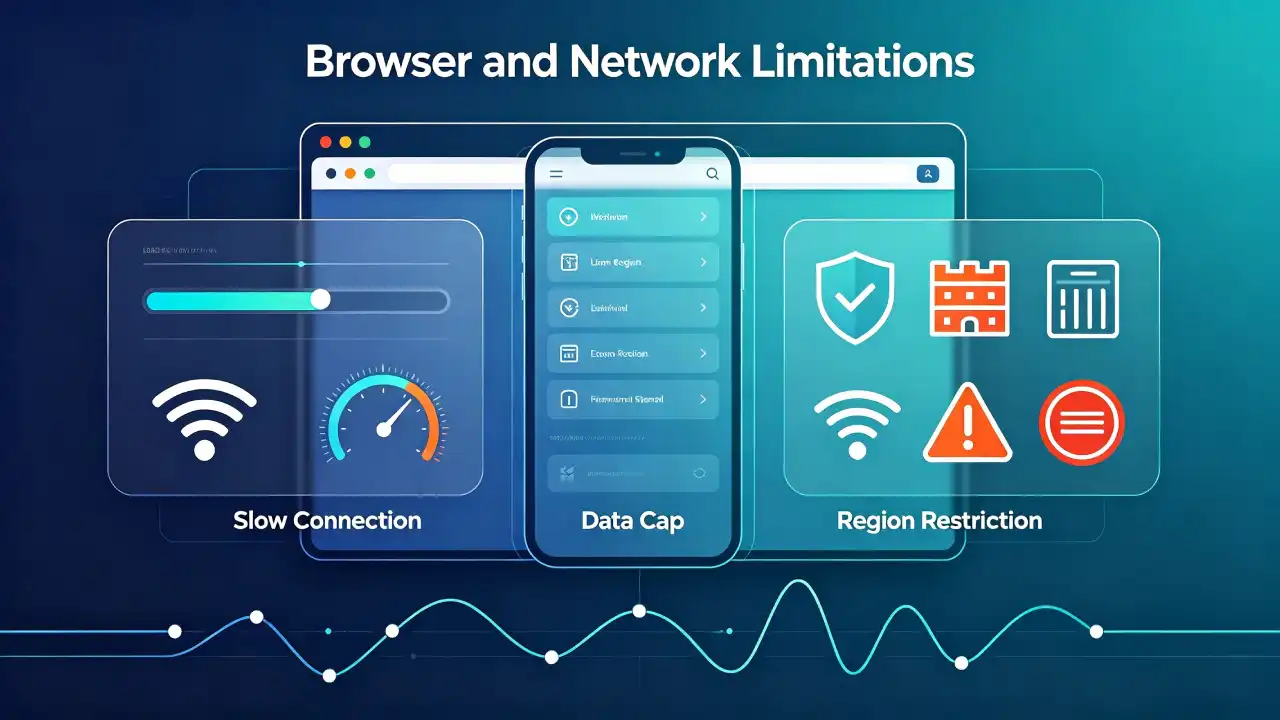
No Offline Access: Because interface assets load live over the web, LootCash H5 needs an active mobile data or Wi-Fi connection even to view your dashboard.
Safari Cookie Restrictions: On iPhone, strict cross-site tracking blockers in Safari settings can occasionally interfere with external offerwall redirects. If a web task fails to track, test it in a standard Chrome tab or check your browser cookie settings.
Tab Reloads on Low-RAM Phones: If you switch away from Chrome to another heavy app for too long, the browser may reload the H5 tab—always finish a task flow before closing the window.
Choose LootCash H5 if you use an iPhone, want 0 MB storage usage, or prefer avoiding APK installations altogether. If you are on an Android phone with spare storage and want all-round app trials plus zero-KYC referrals, check Taurus App Research; if you want casual mobile game trials, view PlayVerse App Research; or if you have a 2GB/3GB RAM Android phone and prefer a dedicated ~18 MB app, compare Task Joy Research.
Yes. Because LootCash H5 runs directly inside your mobile web browser with no APK file required, both iPhone (Safari) and Android (Chrome) users can access it.
No. LootCash H5 requires 0 MB of app installation. You can bookmark it or use “Add to Home Screen” in Chrome or Safari for one-tap access.
H5 web portals rely on standard browser cookies to link your session to completed tasks. Private or Incognito tabs block or wipe those cookies, breaking task attribution.
Yes. LootCash H5 supports ₹10 initial and ₹50 standard UPI payouts directly through its web wallet interface, with ₹0 deposit required.